Description
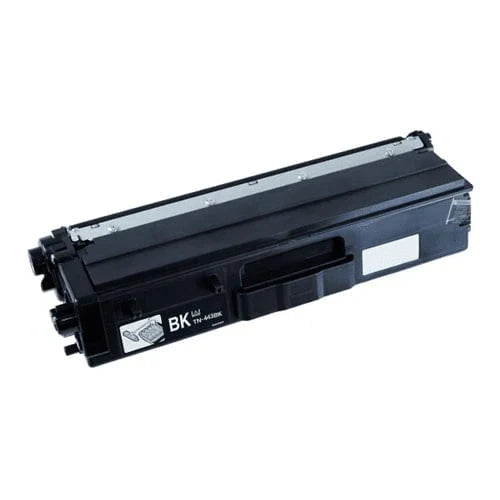
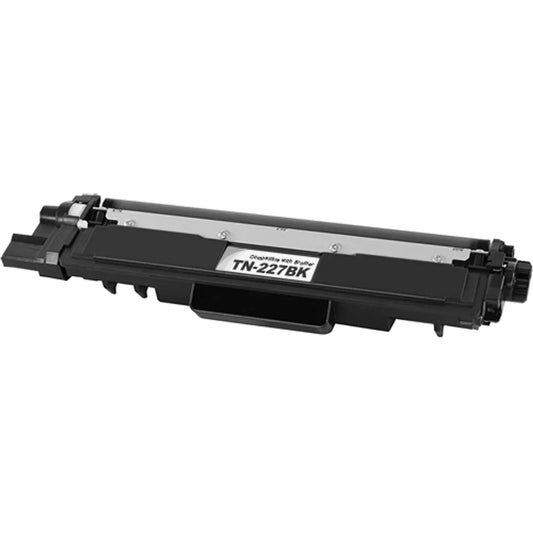
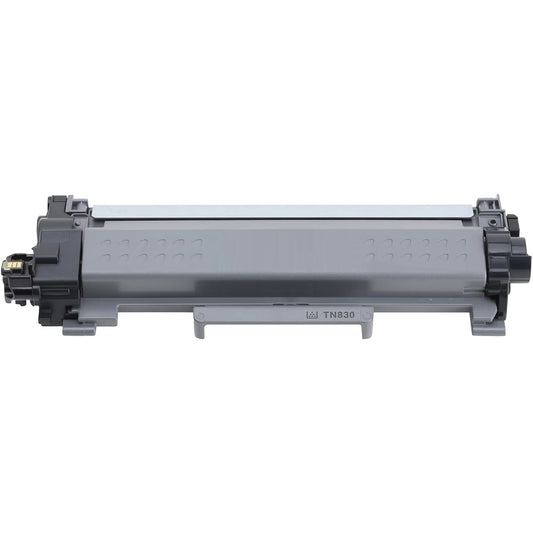
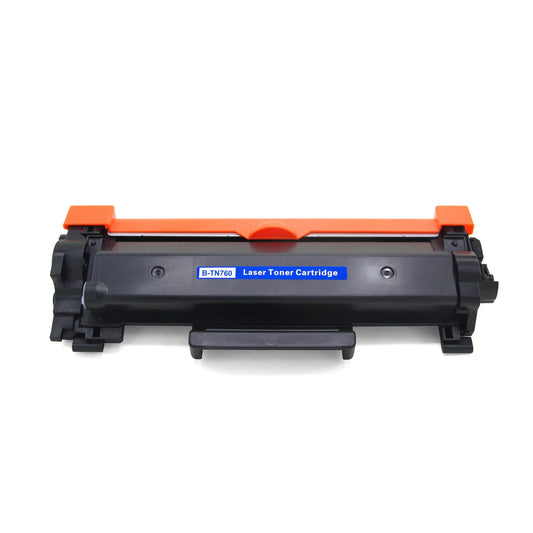
High-Performance Brother Compatible TN830XL High-Yield Toner Cartridge
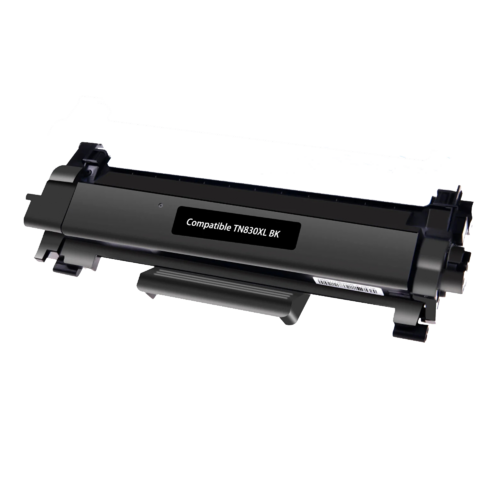
Keep your latest Brother laser printer running at peak efficiency with our Brother Compatible TN830XL High-Yield Toner Cartridge. Specifically designed for the newest generation of monochrome laser printers, the TN830XL is the ideal choice for users who need dependable, high-volume printing without the high cost of OEM supplies.
Why Choose the TN830XL High-Yield Cartridge?
The TN830XL is the high-capacity version of the standard TN830. It is engineered to provide a seamless printing experience with several key advantages:
-
Extended Printing Power: The "XL" designation means more toner and fewer replacements, allowing you to breeze through large projects.
- Smart Chip Integration: Equipped with a high-quality compatible chip to ensure accurate toner level monitoring and 100% printer recognition.
-
Precision Engineering: Built to match the exact specifications of the newest Brother hardware, ensuring smooth paper flow and crisp output.
- Professional Quality: Achieve dark, sharp text and clear graphics that are resistant to fading and smudging—perfect for legal documents and business reports.
Technical Specifications
The following table details the performance and compatibility of the Brother Compatible TN830XL.
| Feature | Product Details |
|---|---|
| Model Number | TN830XL (High-Yield Compatible) |
| Ink Color | Black |
| Estimated Page Yield | Up to 3,000 Pages (@ 5% coverage) |
| Print Technology | Laser (Monochrome) |
| Compatibility | HL-L2400D, HL-L2460DW, MFC-L2820DW, DCP-L2640DW series |
Compatibility List
The TN830XL is designed for use in Brother's most modern compact laser printers, including:
-
Brother HL Series: HL-L2400D, HL-L2405W, HL-L2420DW, HL-L2460DW, HL-L2460DWXL, HL-L2467DW, HL-L2480DW
-
Brother DCP Series: DCP-L2640DW, DCP-L2647DW
-
Brother MFC Series: MFC-L2760DW, MFC-L2807DW, MFC-L2820DW, MFC-L2820DWXL, MFC-L2900DW, MFC-L2980DW
Frequently Asked Questions
1. Is the TN830XL compatible with the standard TN830 slot? Yes. The TN830XL has the same external dimensions as the standard TN830 but contains more toner inside. It fits perfectly into the same printer models.
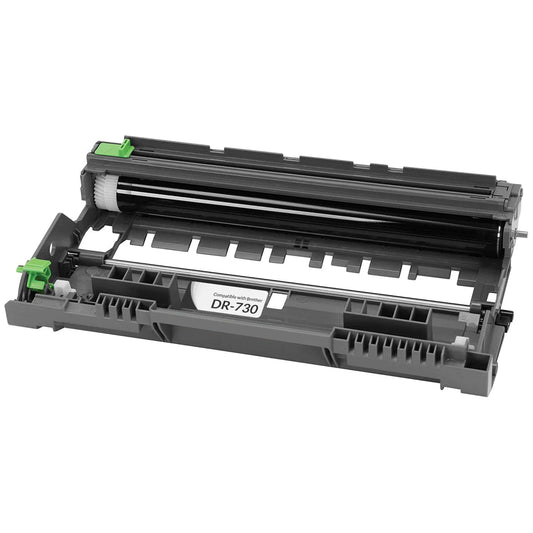
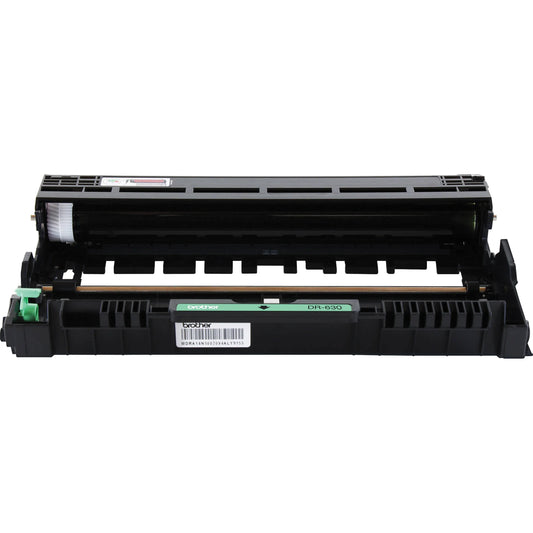
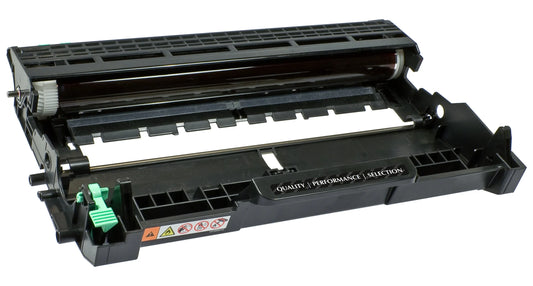
2. Which drum unit does the TN830XL use? This toner cartridge is designed to be used with the Brother DR830 Drum Unit. Please ensure your drum unit is in good condition to maintain optimal print quality.
3. Will this work with the "Refresh" or "Subscription" printers? Our compatible TN830XL is designed to work with standard Brother laser printers. If you are currently enrolled in a manufacturer subscription program, check your printer settings to ensure third-party supplies are permitted.
Installation Guide: How to Replace the Brother TN830XL Toner Cartridge
Installing your new Brother Compatible TN830XL is a quick and straightforward process. Follow these steps to ensure a perfect installation and optimal print quality from the first page.
Step-by-Step Installation Instructions
-
Power On the Printer: Ensure your printer is turned on. Open the front cover of the machine.
-
Remove the Assembly: Pull out the drum unit and toner cartridge assembly from the printer.
-
Separate the Old Toner: Push down the green lock lever on the drum unit and lift the old TN830 cartridge out.
-
Prepare the New TN830XL: * Remove the new cartridge from its protective packaging.
-
Crucial Step: Gently rock the cartridge from side to side 5-6 times to distribute the toner powder evenly inside.
-
Pull off any protective orange plastic covers or tape.
-
-
Insert Into Drum Unit: Push the new TN830XL toner cartridge firmly into the DR830 drum unit until you hear it lock into place. The green lock lever will lift automatically when installed correctly.
-
Clean the Corona Wire: Slide the green tab on the drum unit from left to right and back again several times to clean the corona wire.
-
Note: Always return the tab to the home position (▲) or your pages may have a black vertical stripe.
-
-
Reinstall: Slide the assembly back into the printer and close the front cover.
Installation Quick-Tips
| ⚠️ Pro Tip: If your printer still shows a "Replace Toner" message after installation, the most common fix is to ensure the cartridge is pushed all the way into the drum unit until the green lever clicks up. |
Troubleshooting Common Issues
-
Error: "Toner Not Detected": Remove the assembly and re-seat the toner cartridge into the drum. Ensure the chip on the cartridge is clean and free of fingerprints.
-
Poor Print Quality: Ensure you have cleaned the corona wire (Step 6). If dots appear on pages, the drum unit may need cleaning or replacement.
-
Life End Message: If the message persists, you may need to perform a "Toner Reset" through the printer's menu settings (specific steps vary by printer model).
Reviews
Our Trusted Brands
Brother
Xerox
HP
Canon
Epson
Lexmark
My Wishlist
Wishlist is empty.
Compare
Shopping cart