Zoom
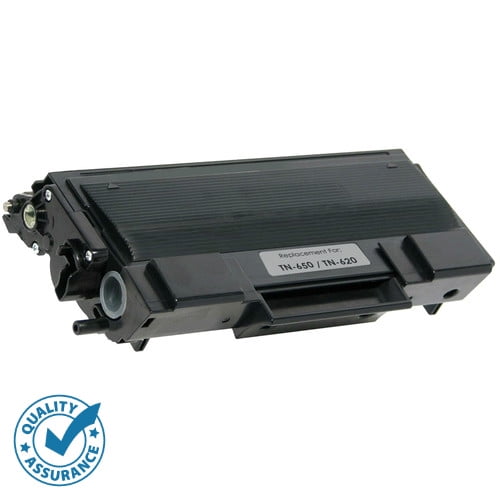
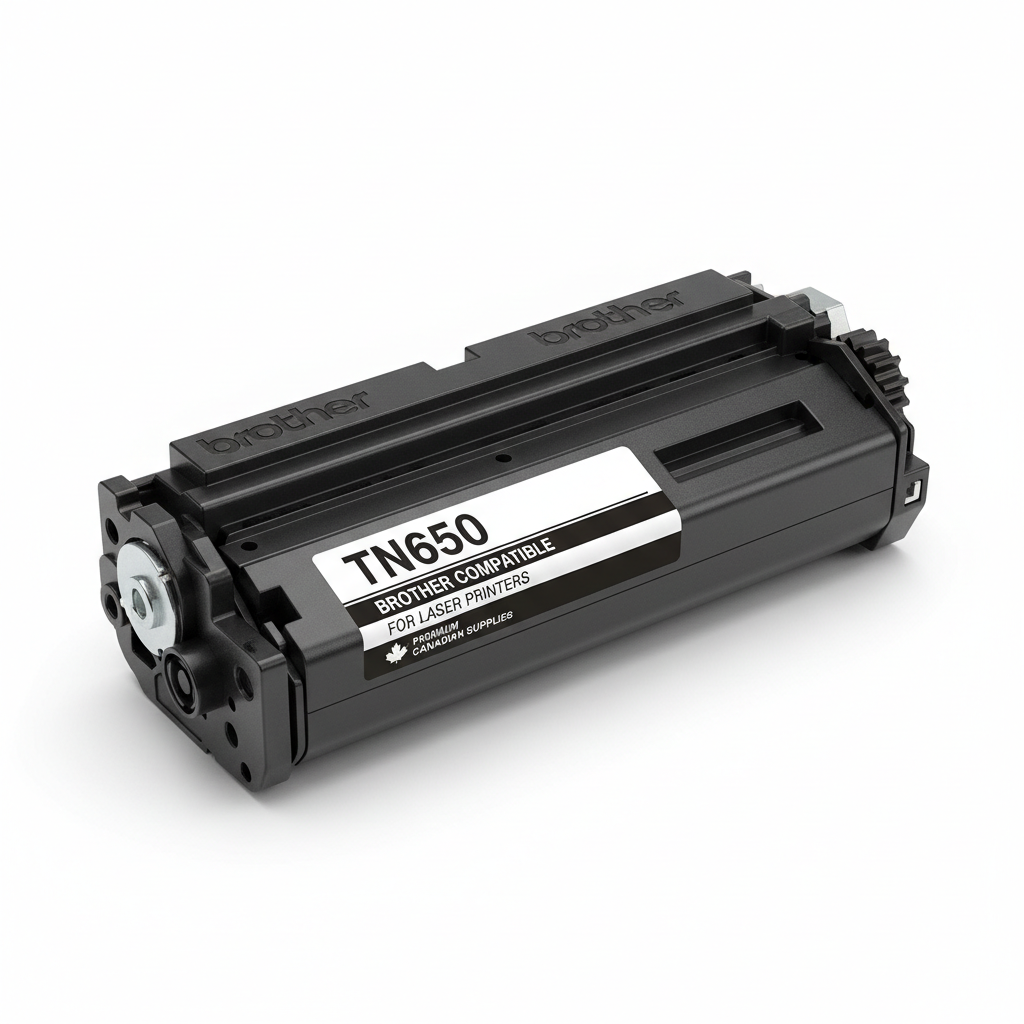
Experience professional-grade monochrome printing with the Brother Compatible TN650 High-Yield Toner Cartridge. A staple for reliable home office and business printing, the TN650 is designed to deliver consistent, high-contrast results while significantly lowering your total cost of ownership compared to standard-yield alternatives.
The TN650 is a high-capacity legend, known for its durability and impressive output. It is the high-yield version of the TN620, offering double the pages for just a small increase in price.
Exceptional Page Yield: Print up to 8,000 pages per cartridge, making it perfect for long reports and high-volume document sets.
Deep Black Saturation: Our premium toner formula ensures that text is bold and easy to read, and charts appear sharp without "graying."
Proven Reliability: One of the most tested designs in the market, this compatible cartridge offers smooth operation and reduces the risk of paper jams.
Seamless Fit: Engineered to lock perfectly into the DR620 drum unit, ensuring your printer hardware remains in top condition.
The following table highlights the core features of the Brother Compatible TN650.
| Feature | Specification |
|---|---|
| Cartridge Model | TN-650 (High-Yield Compatible) |
| Toner Color | Black |
| Page Yield | Approx. 8,000 Pages (@ 5% coverage) |
| Compatible Drum | Brother DR-620 |
| Warranty | 100% Quality Satisfaction Guarantee |
The TN650 is compatible with a wide array of Brother monochrome laser printers, including:
Brother HL Series: HL-5340D, HL-5350DN, HL-5370DW, HL-5370DWT, HL-5380DN
Brother DCP Series: DCP-8080DN, DCP-8085DN
Brother MFC Series: MFC-8370, MFC-8480DN, MFC-8680DN, MFC-8690DW, MFC-8880DN, MFC-8890DW
1. What is the difference between TN620 and TN650? The TN620 is the standard yield version (approx. 3,000 pages), whereas the TN650 is the high-yield version (approx. 8,000 pages). Both fit the same printers and drum units, but the TN650 offers a much lower cost-per-page.
2. How do I install the TN650 into the drum? Place the new toner into the DR620 drum unit and press down until you hear a click. Remember to slide the green corona wire tab back and forth a few times to clean the wire before putting the assembly back into the printer.
3. Why is my printer saying "Toner Low" right after installation? This is common with many older Brother models. Usually, a simple manual reset via the printer's front panel (opening the door and pressing specific button combinations) will clear the message.
If your printer displays a "Toner Low" or "Replace Toner" message after installing your new TN650, follow these quick steps to reset the internal counter.
Open the front toner cover.
Press the Clear or Back key.
The screen will show "Replace Drum?" — Do not press 1.
Instead, type * 0 0 (Star, Zero, Zero) on the keypad.
The screen will show "Accepted." Close the cover.
Open the front toner cover.
Press and hold the Go button until all LEDs light up.
Release the Go button.
Press Go twice (the Paper/Error LEDs will light up).
Press Go five times.
Close the front cover. The "Ready" light should now be solid.
| Note: Ensure the cartridge is clicked firmly into the DR-620 drum before resetting. If the reset doesn't work the first time, restart the printer and try again. |

Brother

Xerox

HP

Canon

Epson

Lexmark
Wishlist is empty.