Zoom
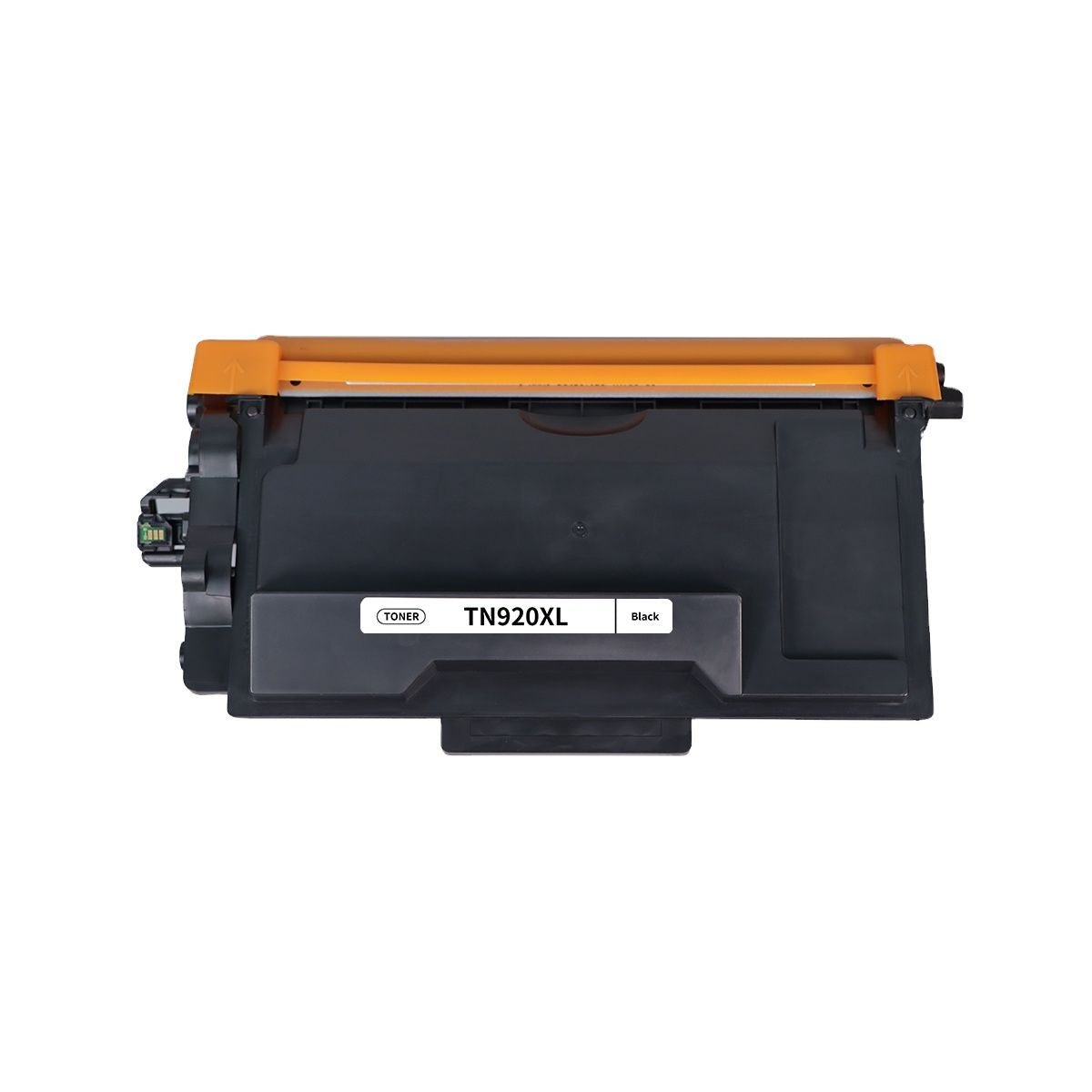
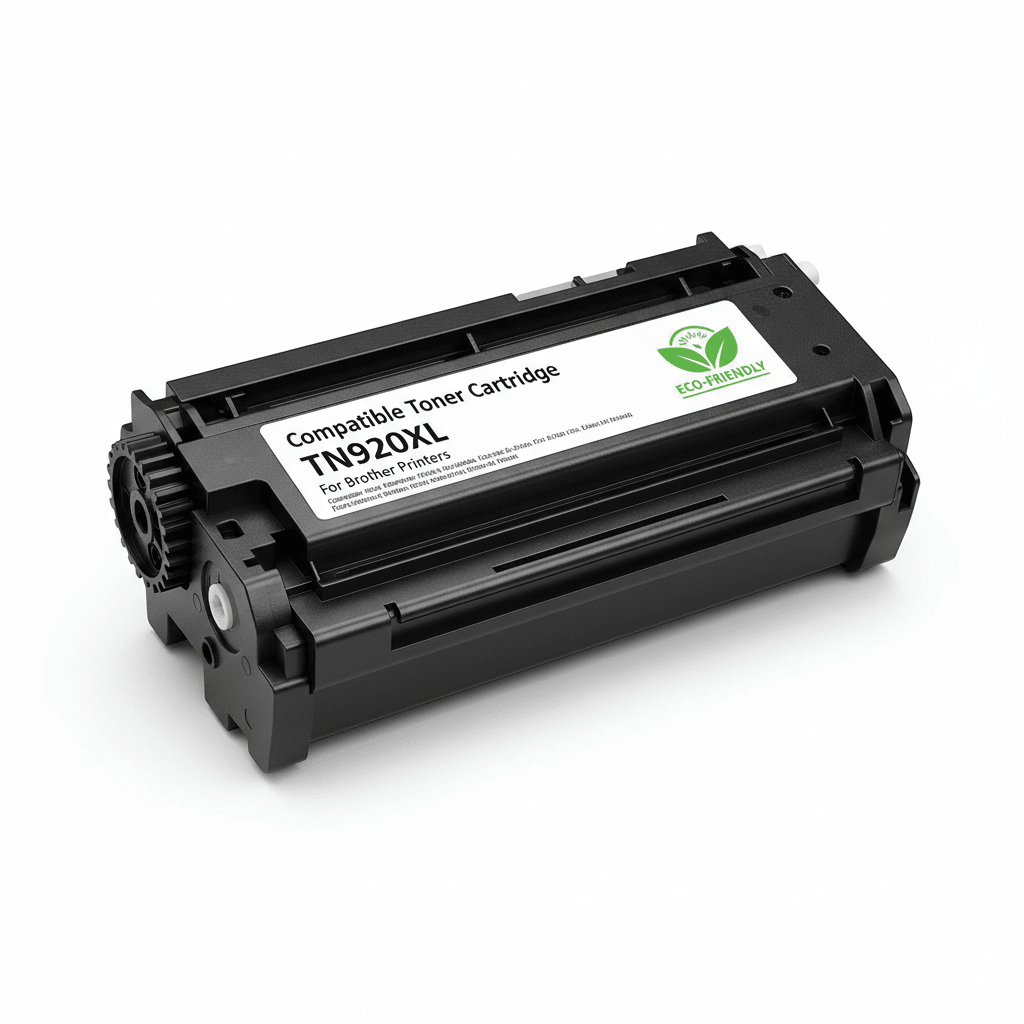
The Brother Compatible TN920XL High-Yield Toner Cartridge is designed for the newest generation of Brother monochrome laser printers. Built for professionals who demand high-speed output and high-volume reliability, the TN920XL provides a seamless printing experience at a fraction of the cost of original cartridges.
The TN920XL is part of Brother's latest high-performance series. Choosing our compatible version ensures you get the same page yield and print quality without the premium price tag.
Massive Page Yield: Print up to 6,000 pages per cartridge, significantly reducing the frequency of replacements.
Precision Chip Technology: Each cartridge is equipped with a high-quality compatible chip to ensure instant recognition and accurate toner level monitoring.
Sharp, Smudge-Resistant Output: Optimized for crisp text and deep blacks, making it perfect for invoices, legal documents, and detailed reports.
High-Speed Compatibility: Specifically engineered to handle the rapid print speeds of the latest Brother laser hardware without clogging or streaking.
The following table details the performance metrics of the Brother Compatible TN920XL.
| Feature | Details |
|---|---|
| Cartridge Model | TN-920XL (High-Yield Compatible) |
| Toner Color | Black |
| Estimated Page Yield | Up to 6,000 Pages (@ 5% coverage) |
| Compatible Drum | Brother DR-920 |
| Shelf Life | 24 Months |
The TN920XL is compatible with a wide range of Brother's newest monochrome laser printers:
Brother HL Series: HL-L5210DN, HL-L5210DW, HL-L5210DWT, HL-L6210DW, HL-L6210DWT, HL-L6217DW, HL-L6310DW, HL-L6410DW, HL-L6417DW
Brother DCP Series: DCP-L5510DN
Brother MFC Series: MFC-L5710DN, MFC-L5710DW, MFC-L5717DW, MFC-L5915DW, MFC-L6710DW, MFC-L6810DW, MFC-L6910DW, MFC-L6915DW
1. Is the TN920XL better than the standard TN920? Yes, if you print frequently. While the standard TN920 yields 3,000 pages, the TN920XL yields 6,000 pages. This provides a lower cost-per-page and reduces the need for frequent cartridge changes.
2. Is this cartridge compatible with the "e" series printers? Our TN920XL is designed to work with standard Brother laser printers. If your printer model ends in "e" (like HL-L5210DWe) and is currently locked into a proprietary subscription service, please verify your printer settings allow for third-party supplies.
3. Does this cartridge include the chip? Yes, our compatible cartridges come pre-installed with a high-performance chip, so they are ready to use immediately—just plug and play!
Legal documents, contracts, and financial reports require absolute clarity. Because the TN920XL is designed for high-speed, high-stakes environments, fine-tuning your settings can make a massive difference in the professional look of your output.
By default, many printers are set to "General" or "Draft" mode to save toner. For legal documents:
Go to Printer Properties on your computer.
Under the Basic tab, change the Resolution from 600 dpi to HQ1200 or the highest available setting.
This ensures that the small serif fonts often found in legal "fine print" are sharp and legible.
If you find that your signatures or seals aren't appearing dark enough:
In the printer driver, look for Advanced Settings > Other Print Options.
Select Toner Save Mode and ensure it is turned OFF.
If available, use the Density Adjustment slider to increase the blackness level by +1 or +2.
Legal paper is often slightly thicker (24lb) than standard copy paper (20lb).
If you experience "toner flaking" (where the black powder rubs off the page), your fuser isn't getting hot enough.
Change the Media Type in your print settings from "Plain Paper" to "Thick Paper" or "Bond Paper." This slows down the print speed slightly, allowing the heat to bond the TN920XL toner permanently to the fibers.
| The 2,000-Page Check: When running large legal batches, stop every 2,000 pages to slide the green corona wire tab on the DR-920 drum unit. This prevents "dusting" and keeps the background of your white pages crisp and clean. |
Since the TN920XL lasts for 6,000 pages, it may sit in your printer or office cabinet for a long time.
Avoid Humidity: Humidity causes toner powder to clump, leading to "speckling" on legal forms. Keep spare cartridges in a climate-controlled room.
Horizontal Storage: Always store cartridges flat (horizontally). If stored vertically, the toner powder can settle on one side, causing uneven print density when you finally install it.
Resolution: HQ1200
Toner Save: OFF
Paper Type: Bond or Thick (for 24lb+ paper)
Corona Wire: Clean every 1/3 of the cartridge life.

Brother

Xerox

HP

Canon

Epson

Lexmark
Wishlist is empty.