Zoom
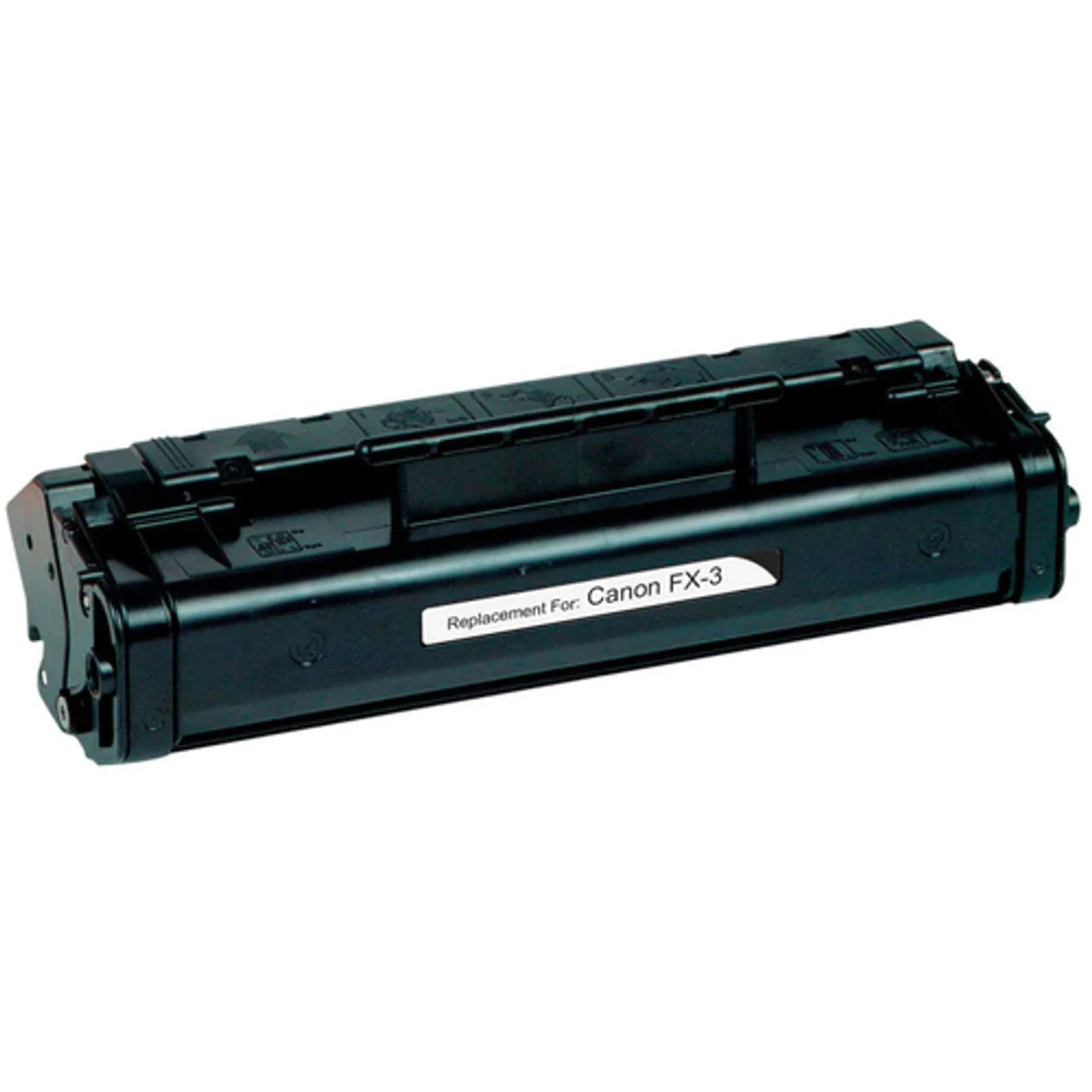
Keep your office communications running smoothly with the Canon Compatible FX3 Black Toner Cartridge from Toner Ink Canada Inc. This cartridge, also known by the part number 1557A002BA, is a high-performance replacement specifically designed for Canon’s range of Faxphone and LaserClass machines.
Whether you are managing a high volume of incoming faxes or printing essential internal documents, the FX3 provides the reliability and clarity required for professional environments. By choosing our compatible version, Canadian businesses can enjoy significant cost savings while maintaining the high standards of monochrome output they expect.
At Toner Ink Canada Inc., we prioritize build quality and toner consistency to ensure your legacy hardware continues to perform like new.
Crisp Text and Graphics: Formulated with refined carbon black toner to produce high-contrast text and clear, sharp lines, ensuring every fax and printed page is easy to read and professional.
Dependable Yield: Offers a standard yield of up to 2,700 pages, providing a consistent supply for the daily demands of a busy small-to-medium office.
Seamless Integration: Precision-engineered to match the exact specifications of the original Canon FX3, ensuring smooth installation and perfect compatibility with your machine's sensors.
Simplified Maintenance: The all-in-one cartridge design includes the toner and the drum unit in a single piece, making replacements quick, clean, and efficient.
| Feature | Product Details |
| Provider | Toner Ink Canada Inc. |
| Model Number | FX3 / 1557A002BA / FX-3 |
| Color | Black |
| Page Yield | Up to 2,700 Pages (@ 5% coverage) |
| Compatible Printers | Faxphone: L75, L80, L90; LaserClass: L170, L250, L350, L4000; MultiPASS: L60, L6000 |
| Condition | New Compatible |
No. While they look similar, each cartridge is keyed differently and designed for specific internal fuser temperatures and gear speeds. Always check your printer's manual or the label on your existing cartridge to ensure the FX3 is the correct fit.
Our compatible cartridges are built in ISO-certified facilities to mirror the density and melting point of the original toner. You can expect the same professional black saturation and page count as the brand-name version.
Yes. The FX3 is the primary toner for several models in the MultiPASS and LaserClass series. See our compatibility table above for a full list of supported machines.
Open the machine’s access door and slide out the old cartridge. Take the new FX3, shake it side-to-side 5–6 times to loosen the toner, pull the sealing tape tab until the entire strip is removed, and slide the cartridge firmly into the machine.

Brother

Xerox

HP

Canon

Epson

Lexmark
Wishlist is empty.